
What's new
A roundup of what’s new in Converge, posted each quarter. Everything here is live in your account unless it says otherwise. Questions or ideas? Email support@startconverge.com.
October 2026
Section titled “October 2026”Covers July through September 2026. Live moderated group sessions are still the heart of Converge. This quarter’s focus was making it easier to add surveys and one-on-one interviews around them when your research calls for it.
Surveys, a new study type
Section titled “Surveys, a new study type”Choose Survey next to Facilitated session when you create something new. Draft it with AI from a brief, build it by hand, or import a previous survey. Respondents get a single Start button and work through at their own pace, while you track progress, including when each person was last active. Reminders go out before the survey closes, and you can recruit respondents through the User Interviews panel. See Creating a survey.
In-depth interviews for every account
Section titled “In-depth interviews for every account”One-on-one video interviews are now on for every account, with their own card in the create flow and a simpler setup. Share a scheduling link with your own participants, or recruit from the User Interviews panel: approved participants book from your open slots, their screener answers and profile come with the booking, and marking an interview Completed pays their incentive. Each interview is recorded and transcribed, and the new Interviews page on the study’s agenda lists every booking. See Setting up an interview study and Recruiting for an interview study.
Preview as participant
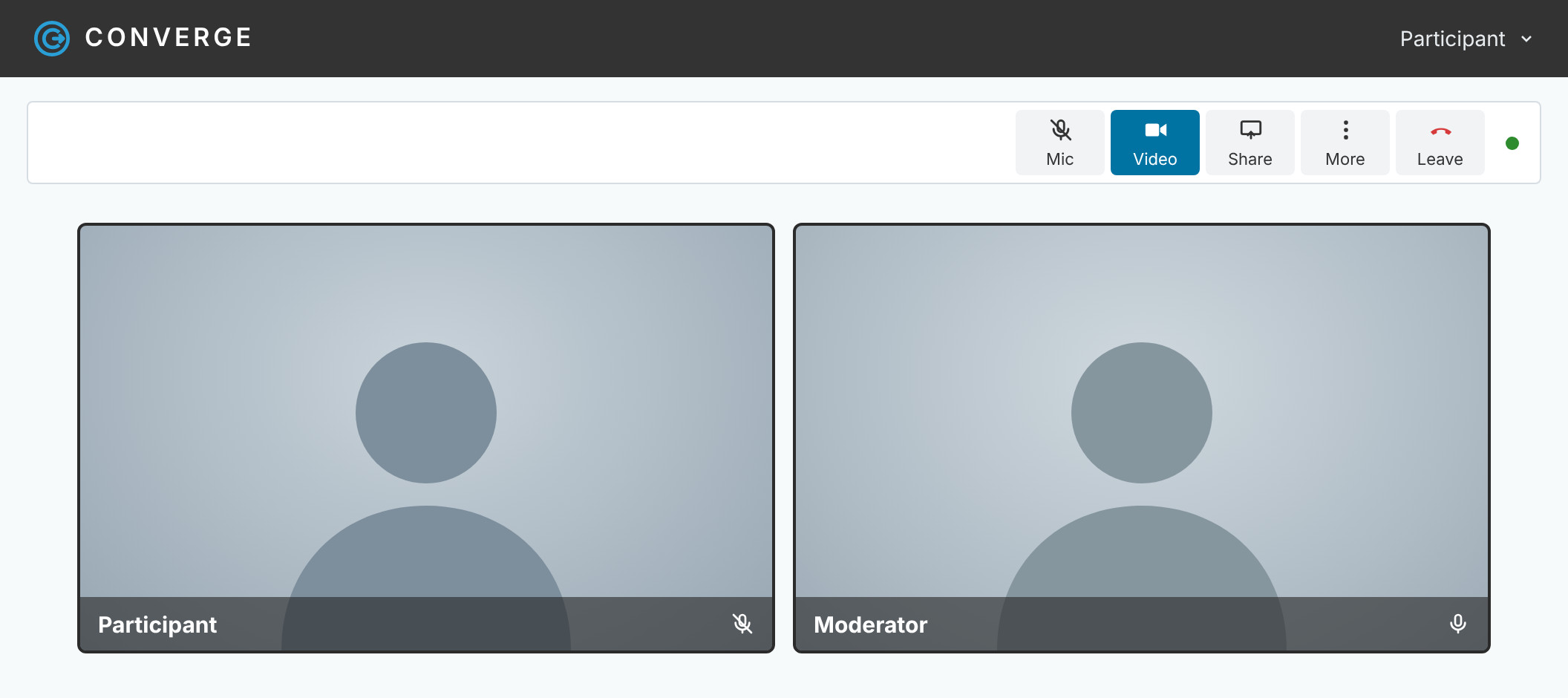
Section titled “Preview as participant”Preview, in the top bar, opens your survey, session, or interview study in a new tab as a test participant, so you can walk the flow before anyone else sees it. Clear the preview answers when you’re done and they’re gone from your results. See Preview before you share.
Converge AI
Section titled “Converge AI”- A bigger session assistant toolset. The assistant can read transcripts from recorded sessions and take on more setup work, including the categorization workflow, with safer, more predictable behavior on every change it makes.
- More context in Report Builder. Add a recorded session’s transcripts as a source next to your activity results. Participants appear by roster ID, never by name.
- AI insights during live sessions are available on every account.
- Multilingual categorization improvements.
- Newest Claude models from Anthropic across the app.
Also new
Section titled “Also new”- Session recording. Turn on Enable Recording for a facilitated session to cloud-record the voice call. Recordings and transcripts show up a few minutes after the call ends.
- Remove from session. Take someone out of a live session with a message. They can’t rejoin.
- Join code on activity pages. One click puts the join code and link on screen, handy for in-person groups.
- Sync or async at a glance. The facilitator view shows which mode a session is running in.
- Rate linked to open ends. Like Select, a Rate question can now show each participant’s answer to an open-ended question next to their rating.
- A cleaner Rank screen for participants.
- Cover images on invite and confirmation pages.
- Rename reports in Report Builder.
- Recruiting. Message recruited participants in bulk, invite past participants, randomize screener options, and download a screener as a Word document.
- Async sessions. A simpler start screen for participants, with the agenda hidden until they begin.
- Under the hood. Security patches, faster settings pages, and better handling when Converge is open in more than one tab.
July 2026
Section titled “July 2026”Covers February through July 2026.
Highlights
Section titled “Highlights”- Converge AI, your in-session assistant. Creates and edits activities for you (with your approval), knows the page you’re on, keeps up with live session data, and is available to reviewers.
- AI insights and activity suggestions (beta). Switch them on per session to get observer insights with live charts and suggested next activities. You approve everything first.
- Smarter AI guide generation. Edit generated guides in place, with context carried through the whole guide and abstention options on rating questions.
- Redesigned agenda rail. Auto-scrolling session navigation with a collapsible icon mode and a clearer layout.
- Simpler session and activity creation. Streamlined forms, clearer options, anonymous by default, and smoother survey creation.
- Short, simple access links, plus an in-person QR code display page for scan-to-join.
- Full anonymous mode for end-to-end anonymous sessions.
- Reliable online indicators. Reworked presence logic so “who’s online” is accurate.
- Report Builder with native PowerPoint decks. Generate, preview as slides, refine, and export with your branding.
- Zoom-integrated one-on-one interviews with calendar booking, windows, and buffers.
- Recruitment and screeners. Screener builder and sync, device requirements, and disqualification tracking.
- Recordings, transcripts, and automated AI summaries for small-group video sessions.
- Auto-translate for multilingual sessions.
- LLM-ready markdown export of session data for use with AI tools.
- Expanded observer and reviewer access across session types.
Also new
Section titled “Also new”- Global typeahead search in filters
- Categorization workflow: auto-selected picker and simpler setup
- One-on-one interviews: edit participant info, show login links, resend confirmations, and reminder emails
- Webinar mode: moderator video fix, participant messaging hidden
- Saved prompts library for reusable AI prompts
- File viewing upgrades
- Export buttons for reviewers
- Survey and activity polish: fixed rank ordering, alignment, spacing, and button styling
- Emoji reactions in group chat
- Copyable survey answer grids and section randomization
- Consensus radar and visualization upgrades
- PDF embeds with previews in activity media
- Roster clarity and bulk reassign
- Mobile fixes: checkbox rendering and sharper cover images
- Faster session loading and activity transitions
- Higher session capacity
- Security hardening: MFA and password fixes, vulnerability patches
- A new startconverge.com website
- Under the hood: Angular 21 and Clarity 18, plus the latest Claude models